Create GUI Applications with Python & Qt5

5th Edition, May 2024

Create GUI Applications with Python & Qt5

PyQt5 Edition

Tired of piecing together incomplete and out of date examples? Looking for a book that answers real problems with well designed modern solutions? I've been developing commercial software with PySide6 for the past 8 years. I know the problems you're facing, because I've seen them - and solved them - before.

This book has already helped countless developers take their applications from ideas to market-ready software. Let's get your project finished!

[[ displayPrices['pri_01hafjvt3nhfgsr558v1fxrx8m'] ]]
Create GUI Applications with Python & Qt5
PyQt5 Edition
Downloadable ebook (PDF, ePub) & Complete Source code
[[ displayPrices['pri_01hg84r54naxe5xd5trax7smpv'] ]]
[[ displayPrices['pri_01hf77bjcgxgghzq88pwh1nqe2'] ]]
Create GUI Applications with Python & Qt6
PyQt6 Edition
Downloadable ebook (PDF, ePub) & Complete Source code
+ Add on

Buy now

Purchasing Power Parity

To support developers in [[ country ]] I give [[ discount.discount_pc ]]% off on all books & courses. Use code [[ discount.coupon_code ]] in the checkout.
Get [[ discount.discount_pc ]]% off for the next [[ discount.duration ]] [[ discount.description ]] with the code [[ discount.coupon_code ]]

Practical, actionable advice from the creator of PythonGUIs

  • 750+ page ebook of hands-on PyQt5 exercises
  • 280+ code examples to experiment with
  • Compatible with Python 3.4+
  • Code free to reuse in your own projects
  • Lifetime updates — last updated May 2024

What People Are Saying

Over 15K copies sold

In the book

Basic concepts and first steps

Starting from the very basics of creating a desktop window this modern PyQt6 book takes you on a tour of the key features of PyQt6 you can use to build real-life applications.

We'll look at the basic building blocks of PyQt6 applications — Widgets, Layouts & Signals and learn how PyQt6 uses the event loop to handle and respond to user input.

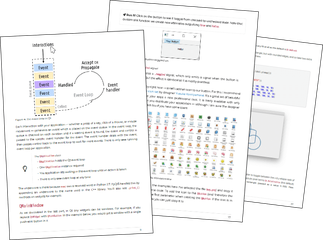
book-pages
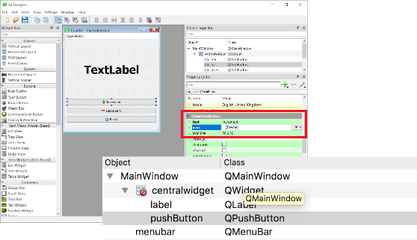
designer

Designing UIs with Qt Designer

Build your user interfaces visually in the Qt Designer drag-and-drop editor. We'll take a quick tour of the designer and show how to load your created interface into Python.

Unleash your creativity

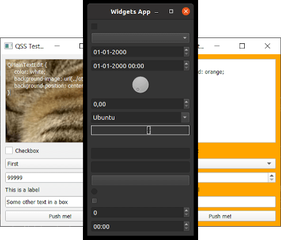
Think the default look of Qt is a bit drab? You can customize almost anything using Styles, Palettes and Qt Style Sheets. We'll take a tour through how you can use these to completely customize the look and feel of your applications.

themes
modelviews

Build data-driven applications

Use PyQt6's MVC-like interface to work efficiently with data, right in your applications. Use custom data stores and sync widgets automatically, allowing you to focus on the logic.

Use tabular views to display SQL databases and numpy or pandas datastructures. Use linked widgets for easy editing

Create your own custom widgets

PyQt6 provides a huge number of built-in widgets, but sometimes you need a little something extra. Starting with an introduction to bitmap graphics we'll build up to creating entirely custom-drawn widgets for your apps.

custom-widgets
concurrent

Efficient apps with threads and processes

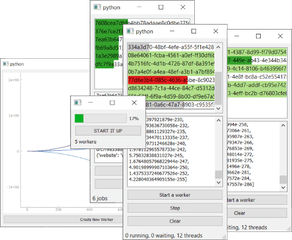
Are your apps stuttering to a halt? Learn how to use threads & processes to keep long-running calculations, loading large files or connections to remote servers all running smoothly.

Capture output from threads and processes and keep your users informed with progress bars and thread managers.

Visualize data with interactive charts

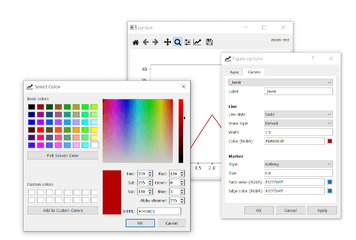
Use matplotlib or PyQtGraph to display data within your app. Use threads to create live dashboards, pulling data from your calculations or remote services.

Unlock the data-analysis capabilities of Python from within your applications.

plotting
examples

Build real apps not just examples

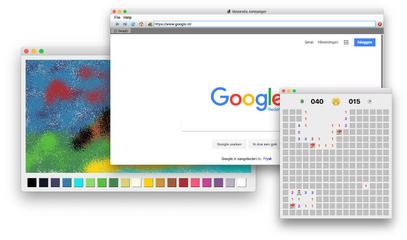
Move beyond simple examples, learning how to use to create fully-functional applications.

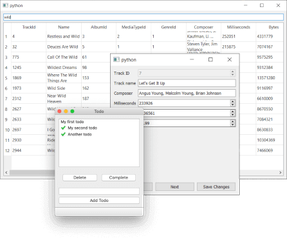
The book guides you through creating a simple Web browser, Minesweeper game, Paint app and a Simple Todo reminder, using the features you've learned.

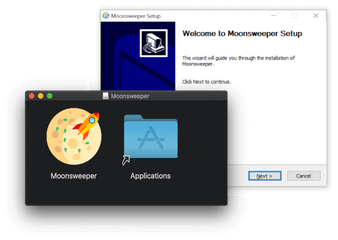
Package your apps for distribution

Once your app is ready, it's time to share it!

Discover how to package your applications for distribution on Windows, Mac and Linux.

installer
book-paperback

Not your average ebook

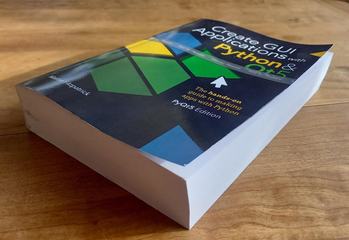
Forget the thin pamplets that just cover the basics. First published over 5 years ago Create GUI Applications has been regularly improved and extended following reader feedback. Now at over 750 pages, you benefit from the combined experience of thousands of readers.
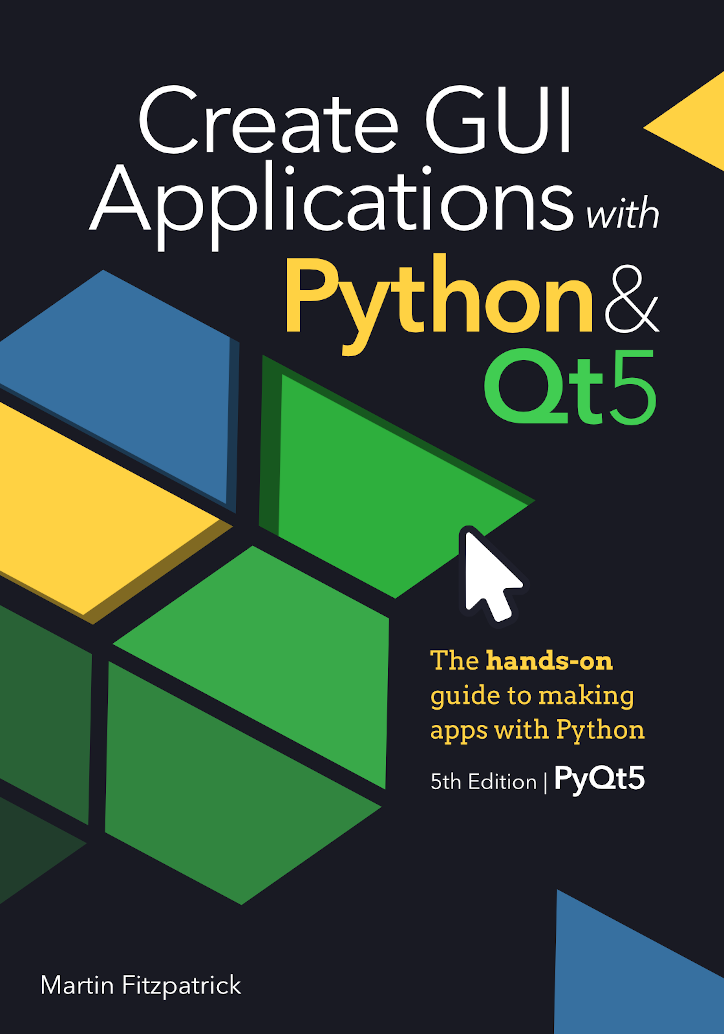
Table of Contents

  • Basic PyQt5 Features p6-190
    • My first Application
    • Signals & Slots
    • Widgets
    • Layouts
    • Actions, Toolbars & Menus
    • Dialogs
    • Windows
    • Events
  • Qt Designer p191-225
    • Installing Qt Designer
    • Getting started with Qt Designer
  • Theming p216-291
    • Styles
    • Palettes
    • Icons
    • Qt Style Sheets (QSS)
  • Model View Architecture p292-369
    • The Model View Architecture — Model View Controller
    • A simple Model View — a Todo List
    • Tabular data in ModelViews, with numpy & pandas
    • SQL databases with Qt models
  • Custom Widgets p370-450
    • QPainter and Bitmap Graphics
    • Creating Custom Widgets
  • Concurrent Execution p451-564
    • Introducing Threads & Processes
    • QRunnable and the QThreadPool
    • QRunnable Examples, Progress Bars & thread Managers
    • Running external commands with QProcess
  • Plotting p565-604
    • PyQtGraph
    • Matplotlib
  • Further PyQt5 Features p605-656
    • Timers
    • Extending Signals
    • Working with Relative Paths
    • System tray & macOS menus
    • Enums & the Qt Namespace
    • Working with command-line arguments
  • Packaging & Distribution p657-711
    • Packaging with PyInstaller
    • Creating a Windows Installer with Installforge
    • Creating a macOS Disk Image Installer
    • Creating a Linux Package with fpm
  • Example applications p712-759
    • Web Browser
    • Minesweeper
  • Appendices
    • Translating C++ to Python
    • PySide2 vs. PyQt5

About the Author

Martin Fitzpatrick is a Python programmer, author and tutor. He's been developing Python/Qt apps for 10 years. Starting out building desktop applications to make data-analysis tools more user-friendly, Python was the obvious choice. Starting with Tk, later moving to wxWidgets and finally adopting PyQt & PySide.

Martin Fitzpatrick PhD

Senior Python Engineer

viewmaster9

Frequently Asked Questions

How will I get my purchase?

After completing your purchase you'll receive an email with a link to get your files and course. Keep it secret, keep it safe.

How do I get updates?

You'll receive an email when new content is available, although you can opt out of this if you wish.

What if I don't like it?

If you decide that it is not for you, just reply to the purchase receipt email within 30 days and I'll issue you with a refund. If you could tell me why, that would be great too but it's not necessary.

I have other questions

If you still have questions just drop me an email