Classic
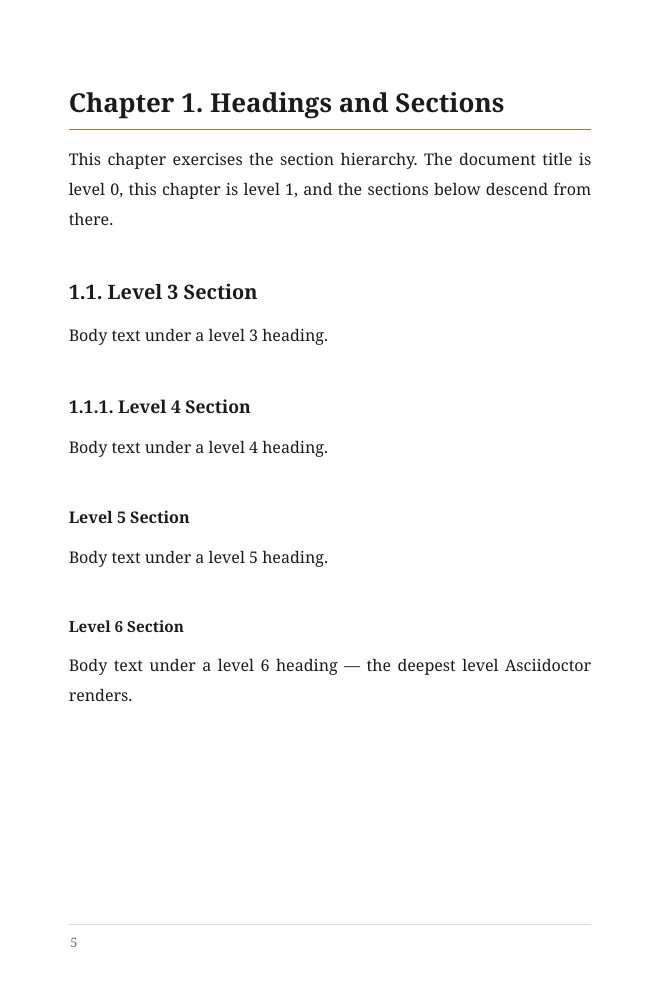
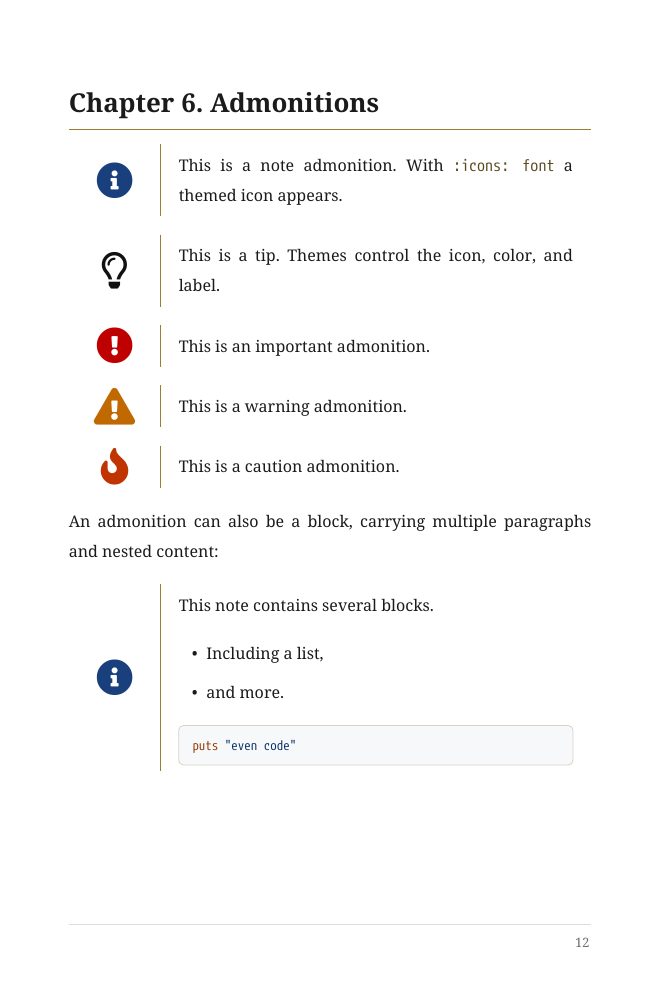
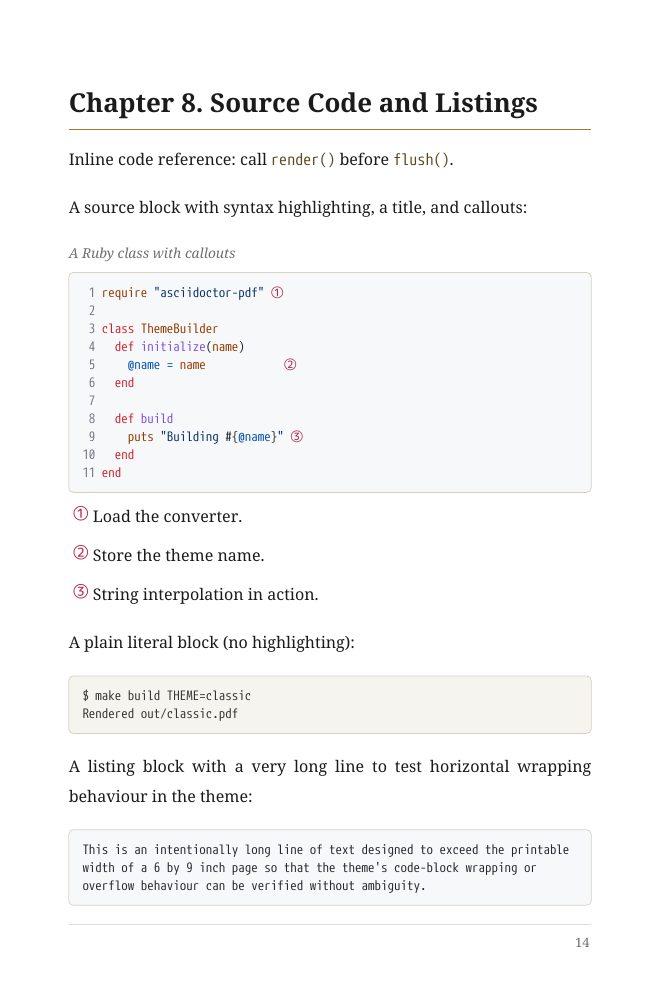
A traditional serif book: justified text, generous leading and a single warm-gold accent. A solid choice for general-interest books.
Fonts Noto Serif · M+ 1mn
Themes for Asciidoctor PDF
Eight professionally designed book themes for Asciidoctor PDF. Write your book in plain AsciiDoc, choose a look, and build a polished digital PDF and a print-ready paperback interior from the same source.
[[ displayPrices['pri_01m7pzp6t6t4k0tamxd5dns5c2'] ]] one payment · all 8 themes
Screen + print variants · bundled fonts · starter books & Makefiles
One book, eight looks
These are real pages generated from a test book. Eight distinctive designs inspired by the classics of technical publishing — quiet and literary to loud and playful.
A traditional serif book: justified text, generous leading and a single warm-gold accent. A solid choice for general-interest books.
Fonts Noto Serif · M+ 1mn
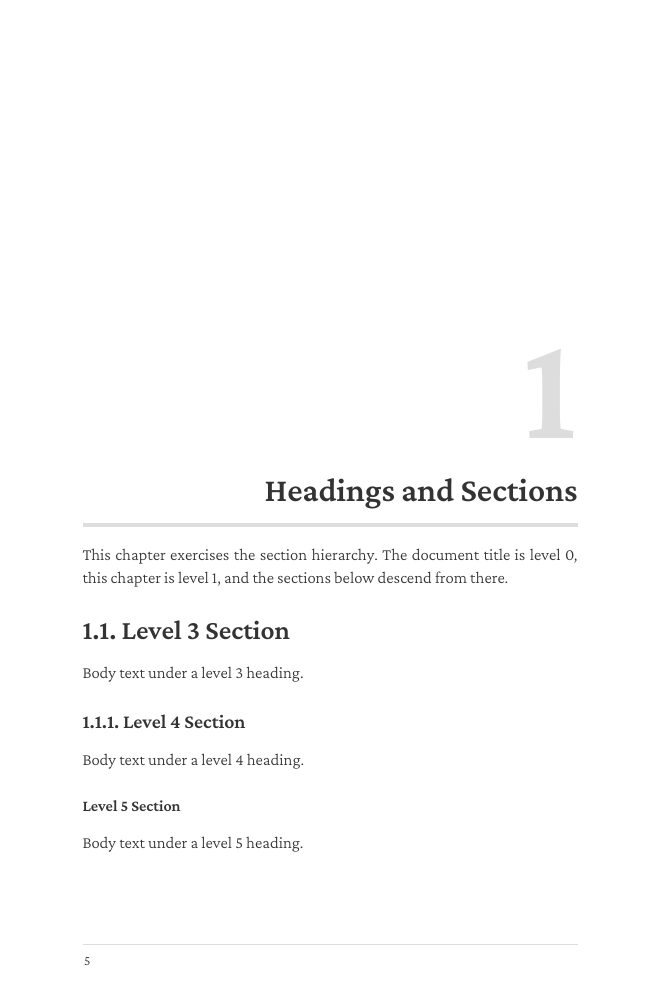
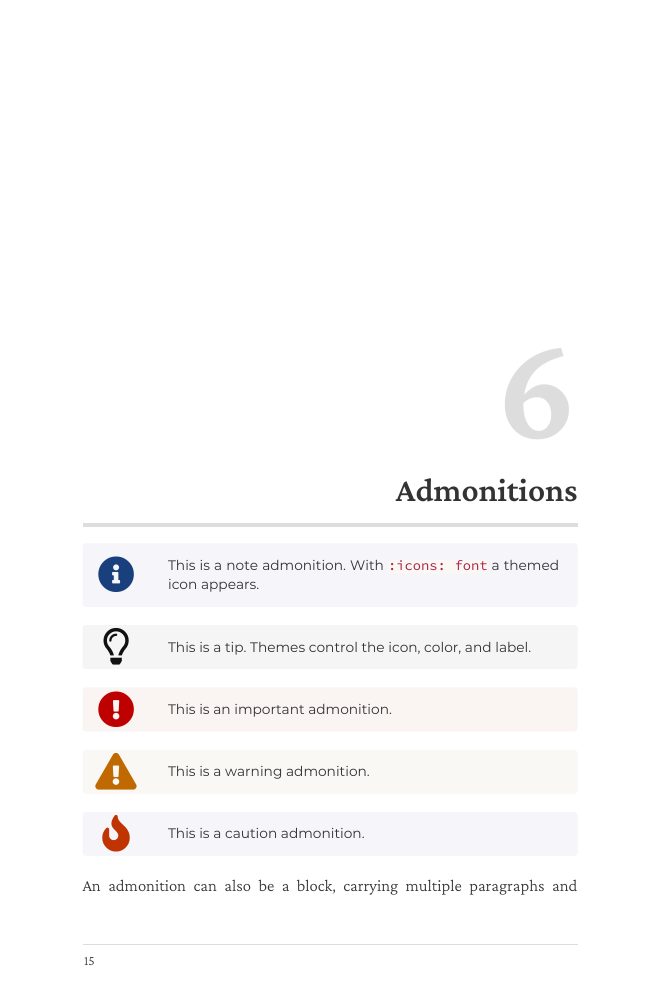
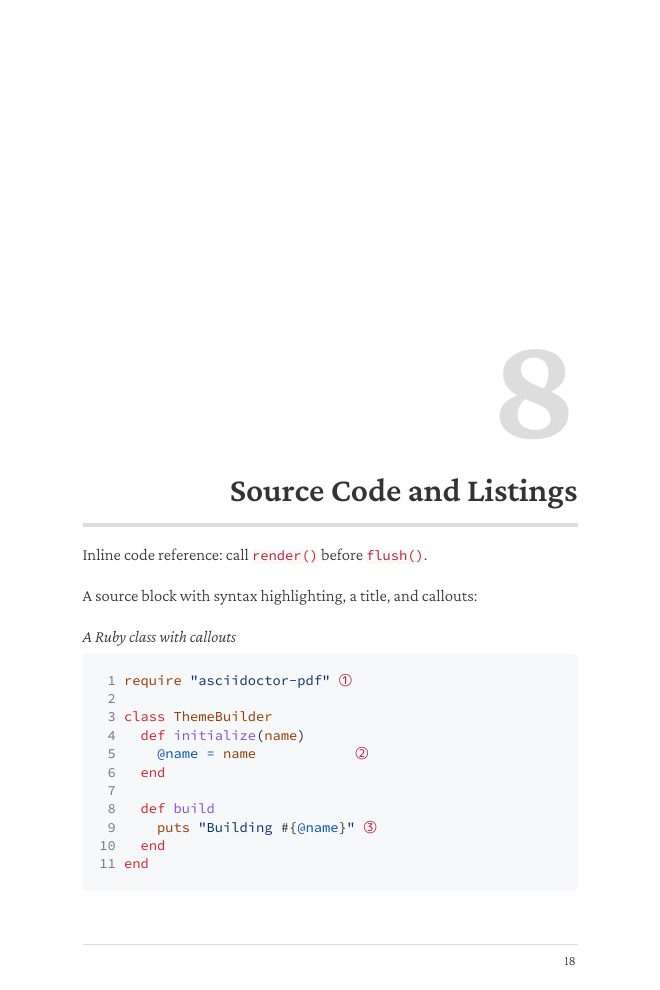
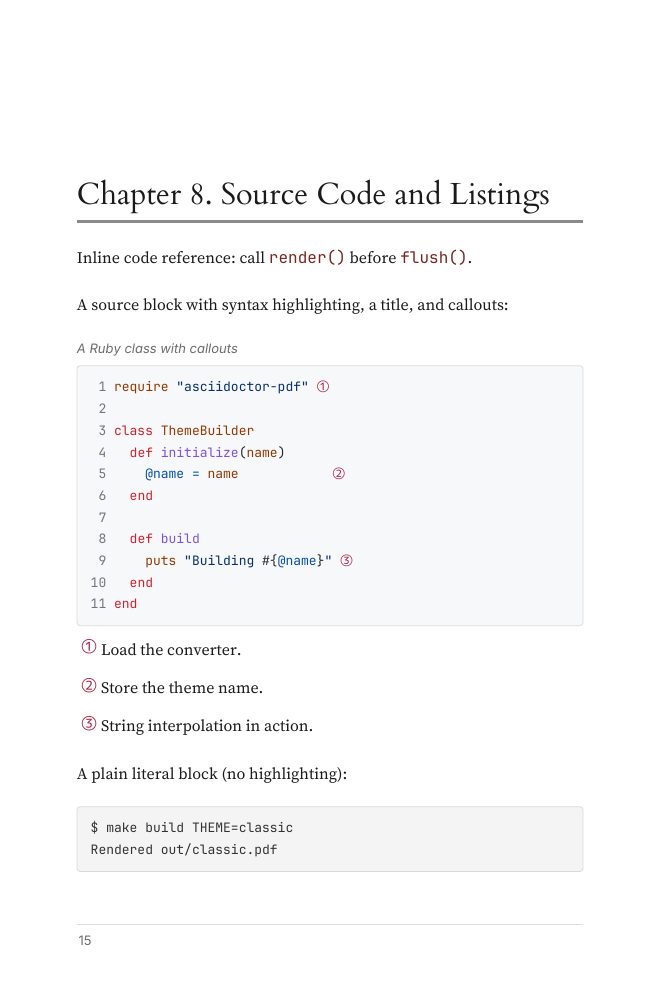
Light, elegant serif with large chapter-number openers and tinted admonitions — the theme I use for my own published books.
Fonts Crimson Pro · Montserrat · Source Code Pro
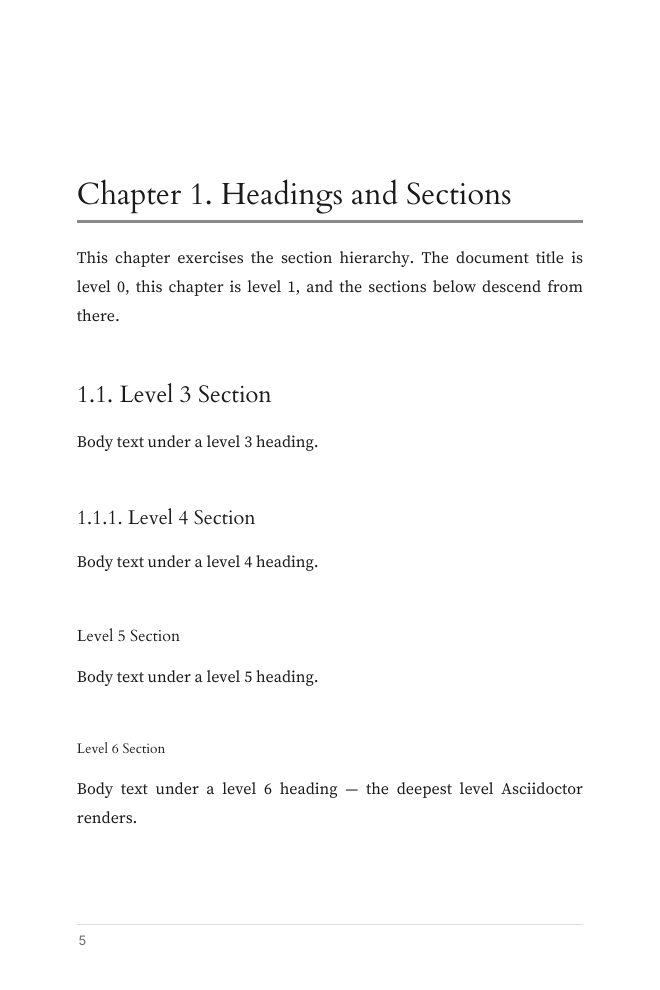
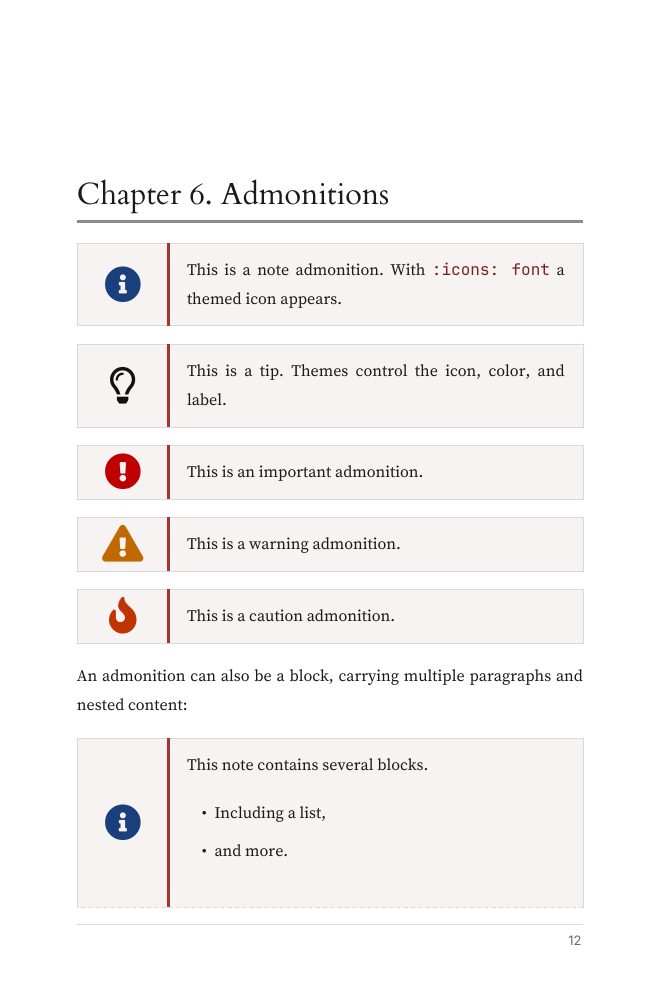
Practical and no-nonsense: a sturdy serif body, tall serif headings, prominent code and a muted brick-red accent.
Fonts Cardo · Source Serif 4 · Inter · JetBrains Mono
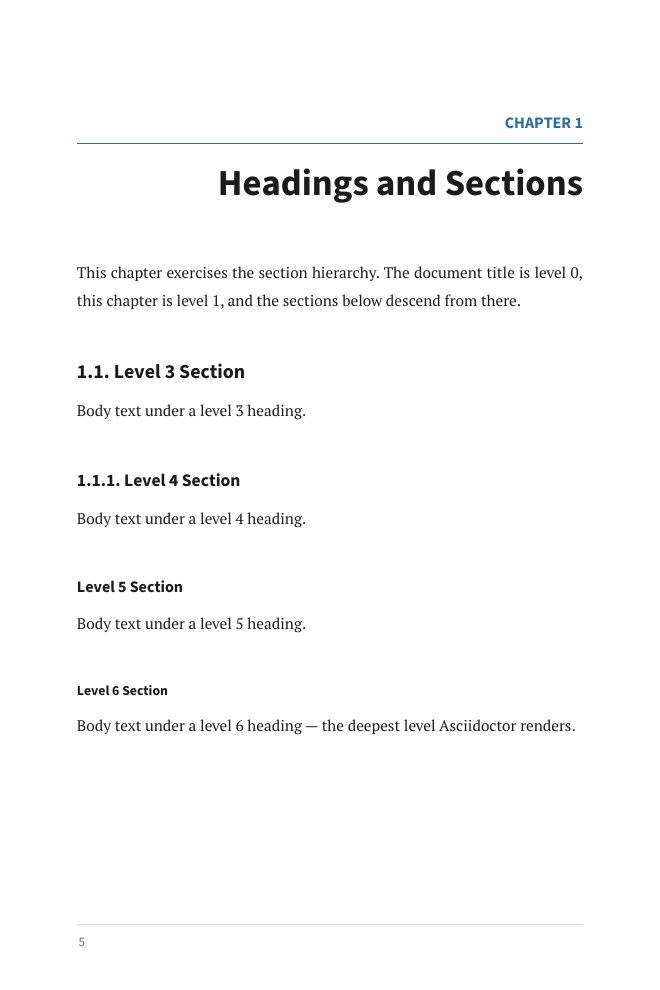
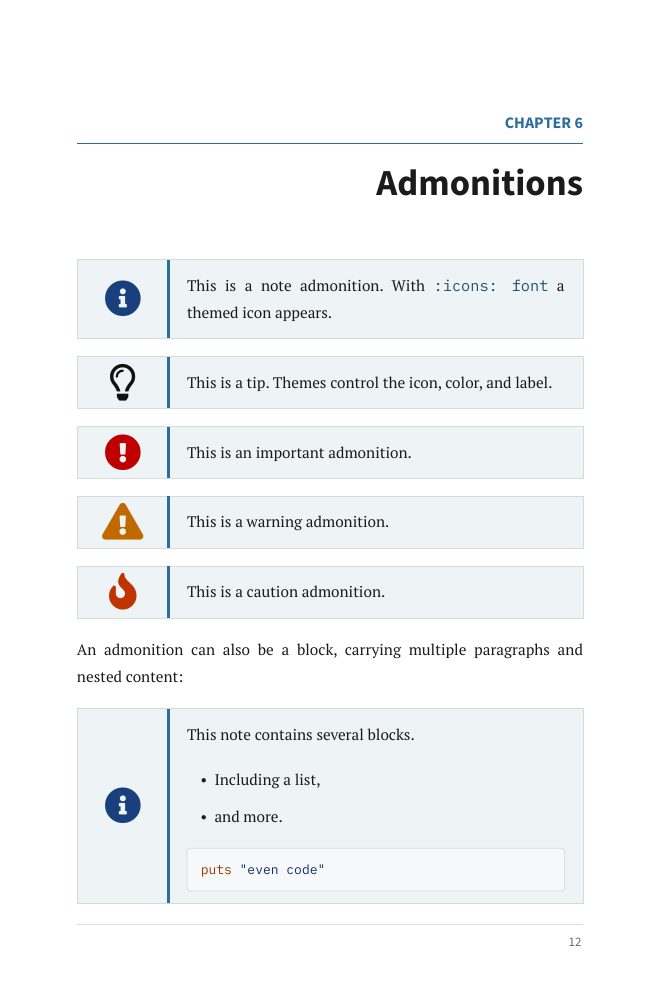
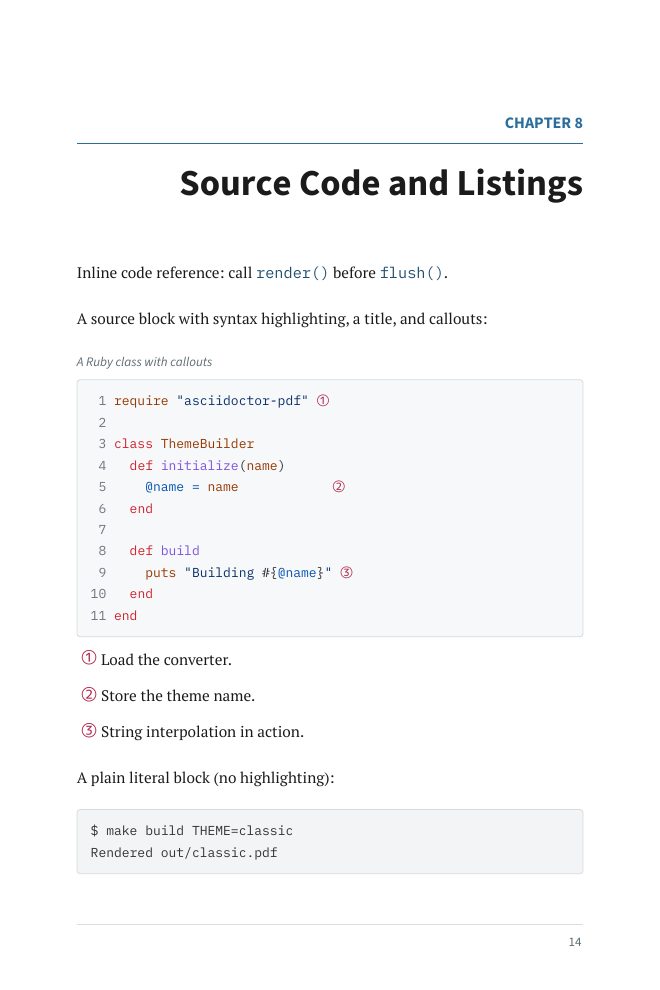
A clean technical-reference look: refined serif body, humanist-sans headings, a steel-blue accent and clear running heads.
Fonts PT Serif · Source Sans 3 · IBM Plex Mono
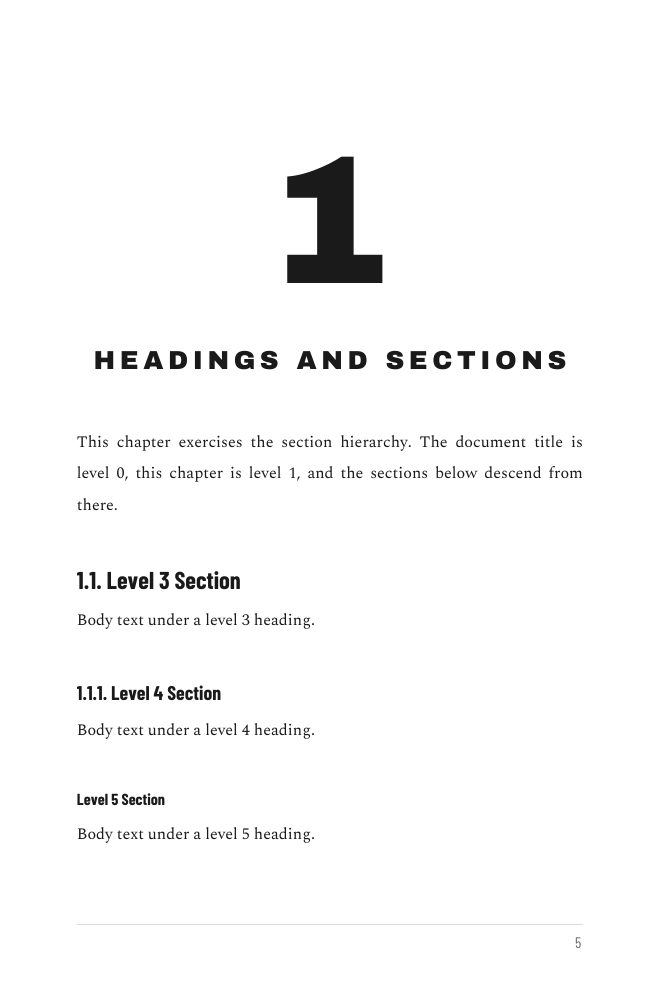
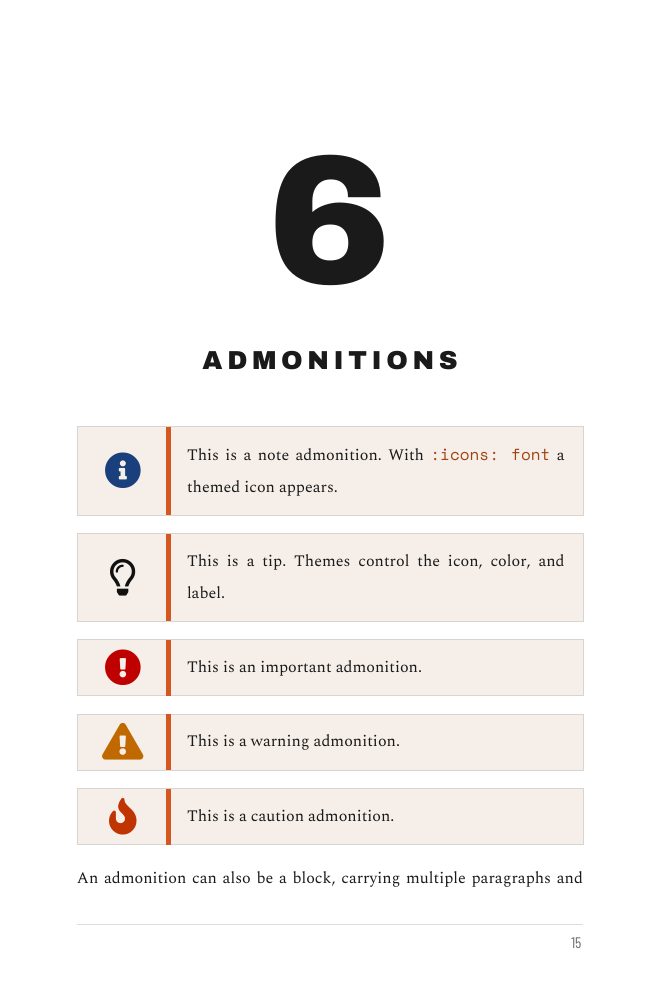
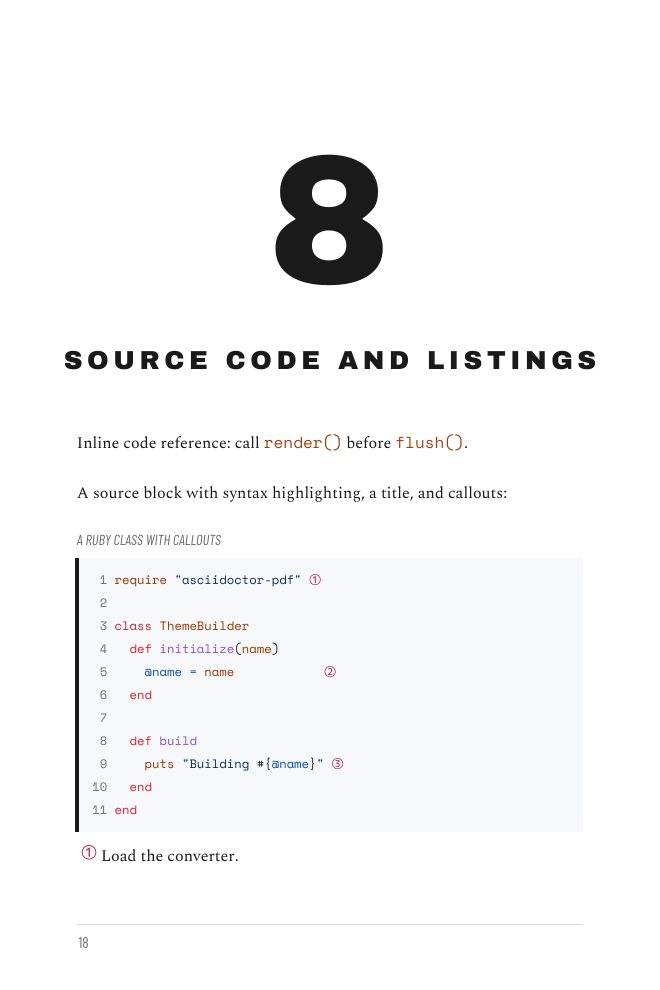
Industrial and confident: giant chapter numerals, bold condensed uppercase headings, burnt orange and heavy code.
Fonts Spectral · Barlow Condensed · Space Mono
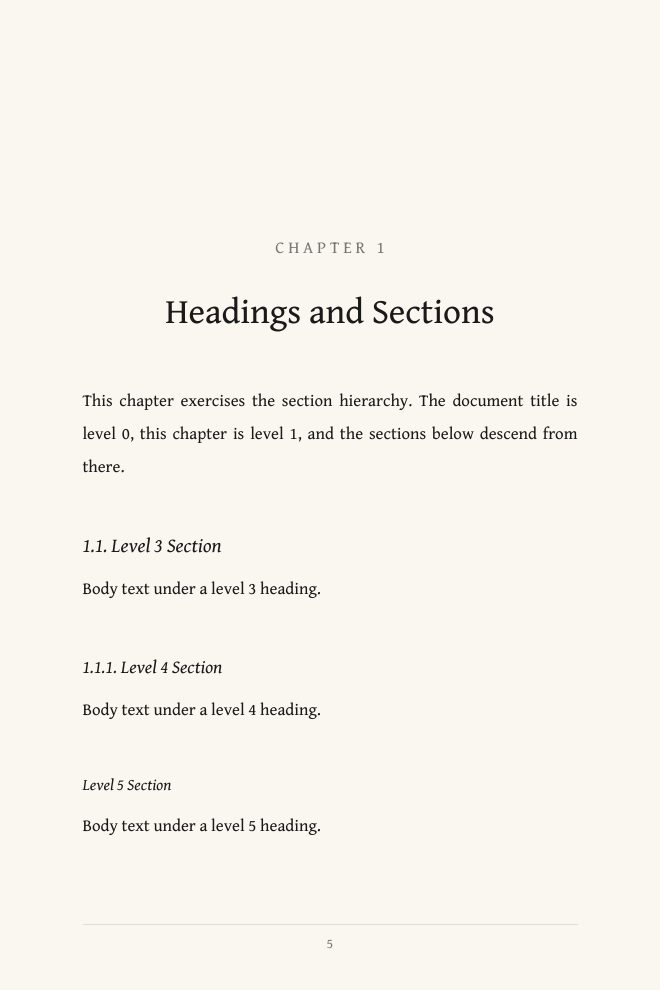
Rigorous, understated and timeless: a centred title page, hairline rules and outline-only blocks.
Fonts Gentium Book Plus
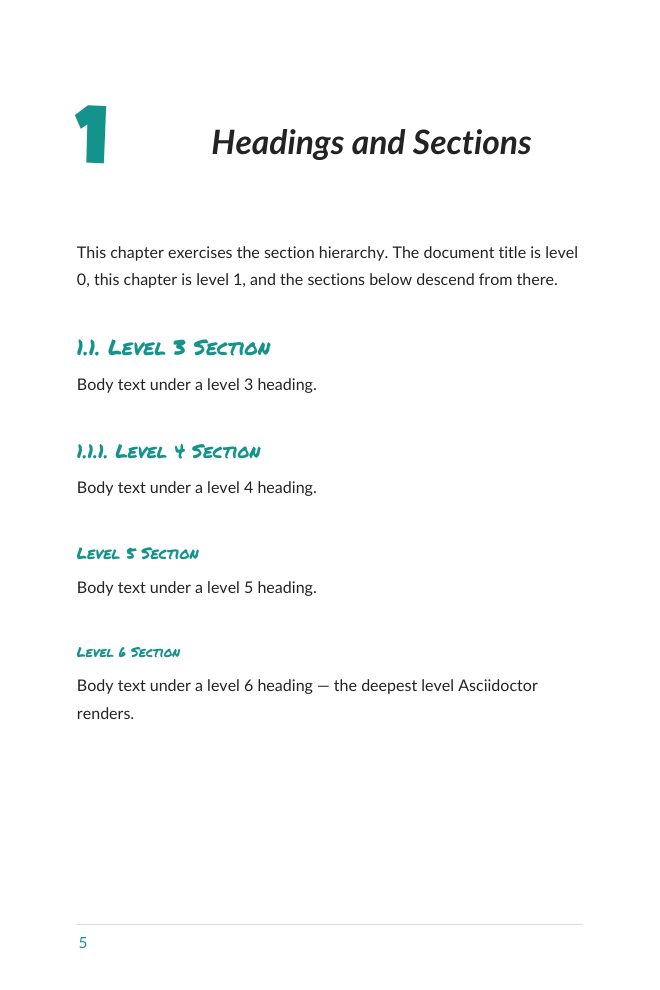
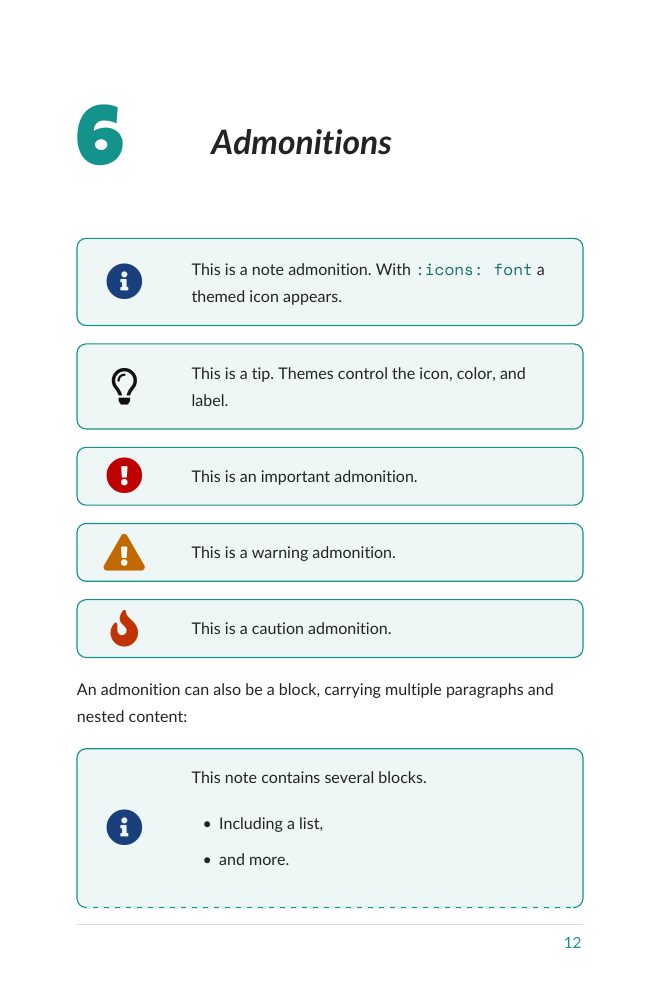
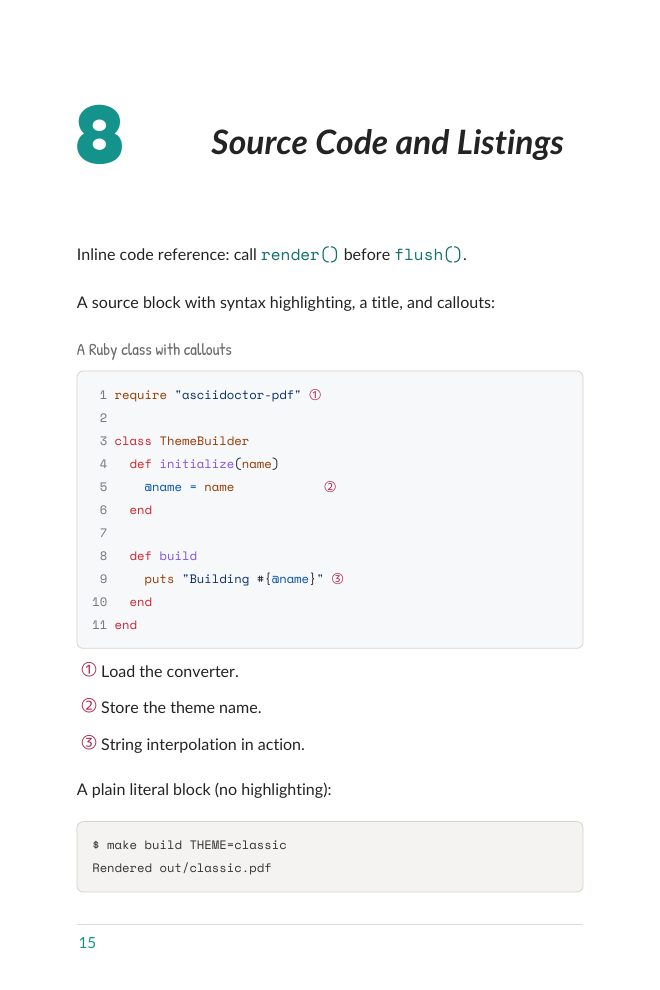
Loud and playful for learn-by-doing books: chunky headings, handwritten labels and big tinted callout boxes.
Fonts Lato · Permanent Marker · Luckiest Guy · Patrick Hand · Space Mono
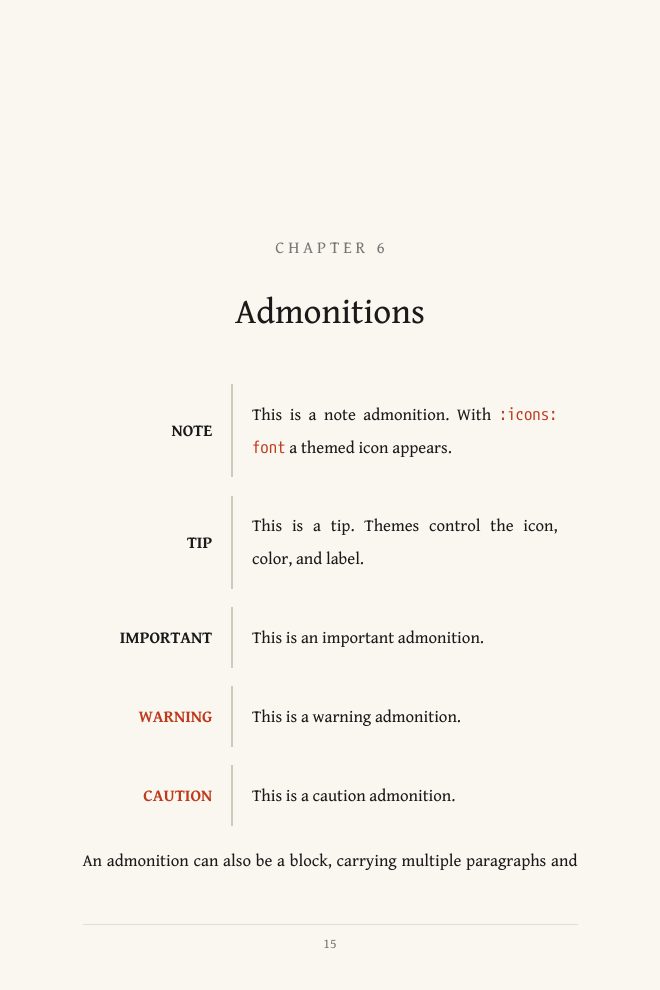
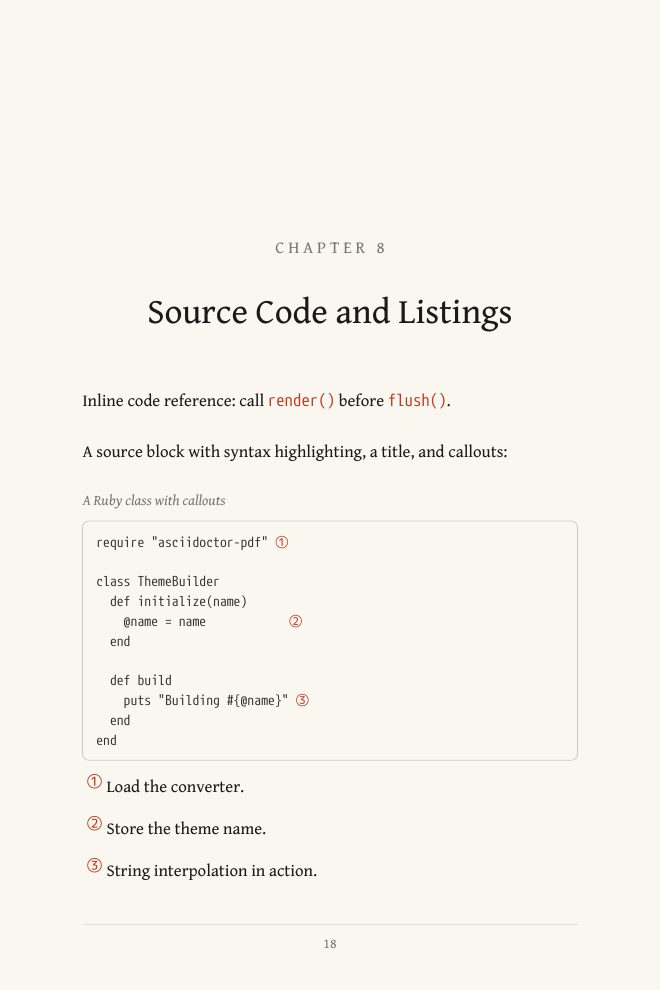
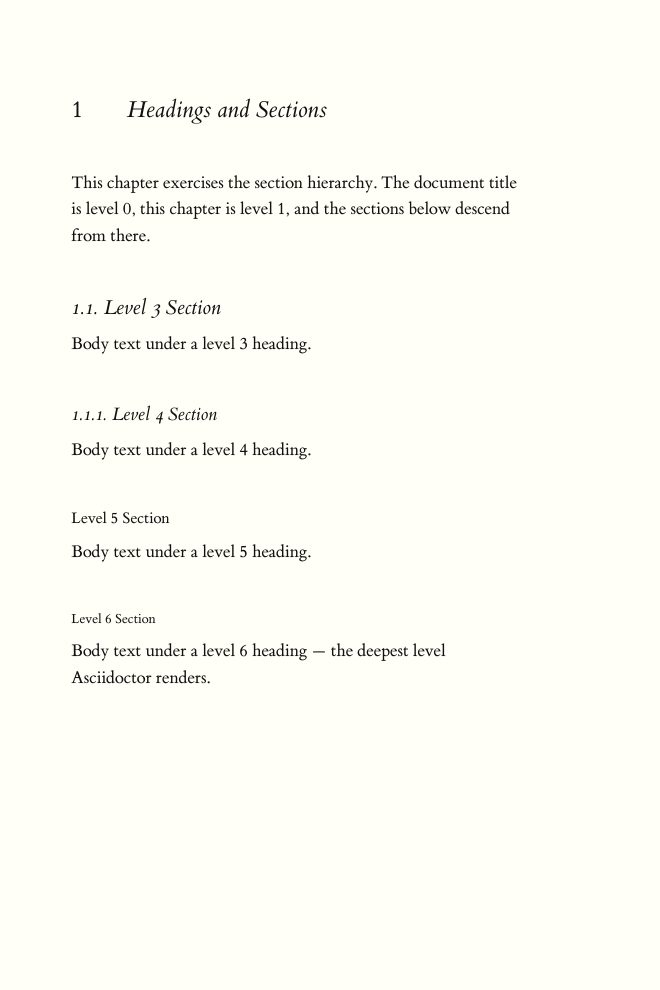
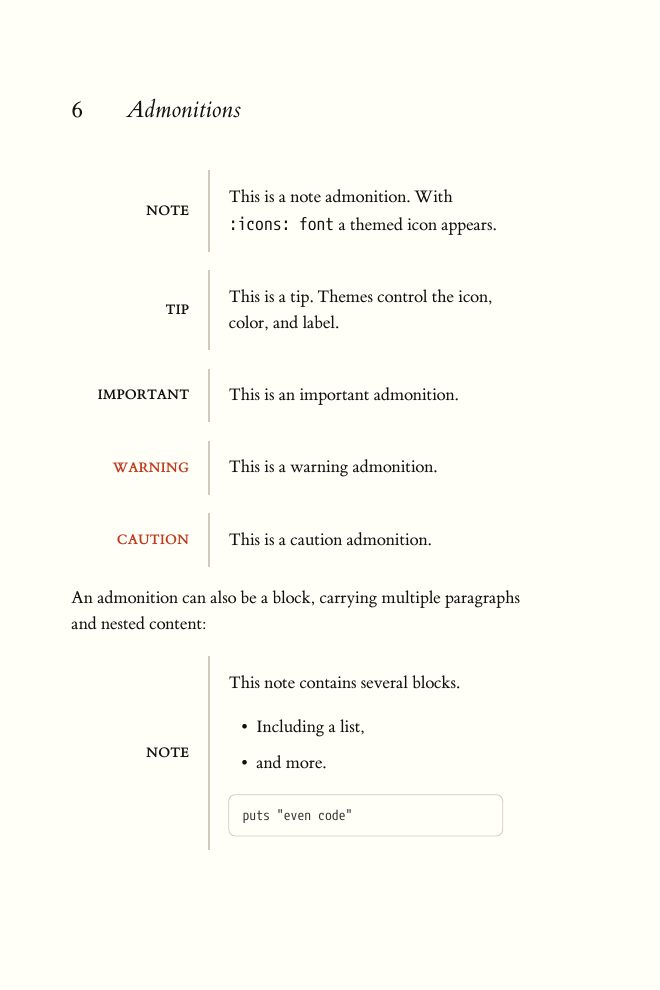
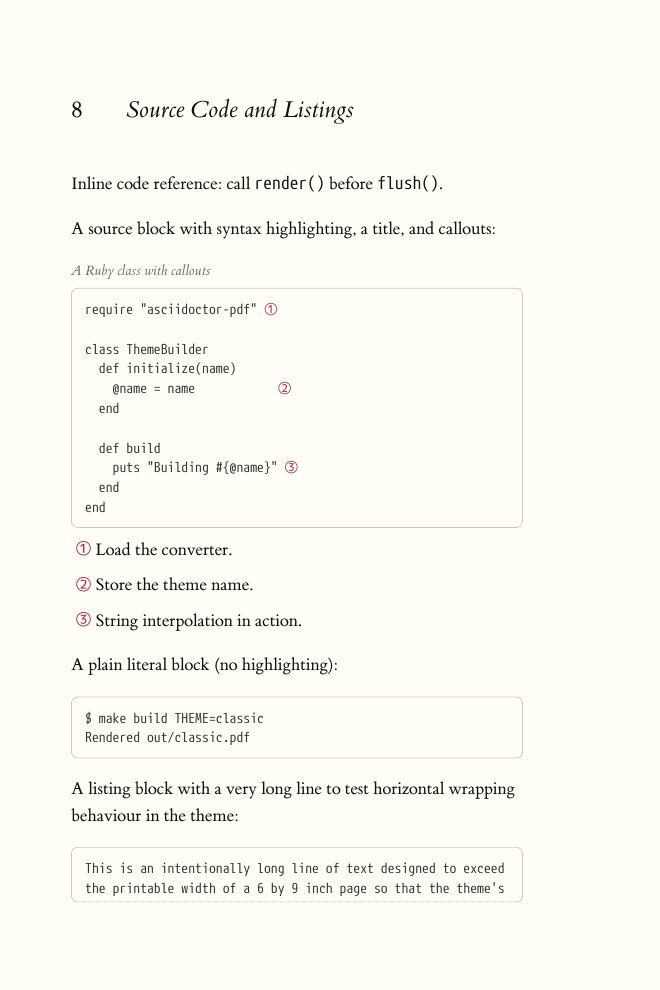
Airy and scholarly: ragged-right text, a wide outer margin, a faint cream page and understated hierarchy.
Fonts ET Book
Paperback and PDF
Each theme ships with a print variant alongside the screen theme, built for Amazon KDP and other print-on-demand services. Prepare your paperback with one command.
make build · screen PDF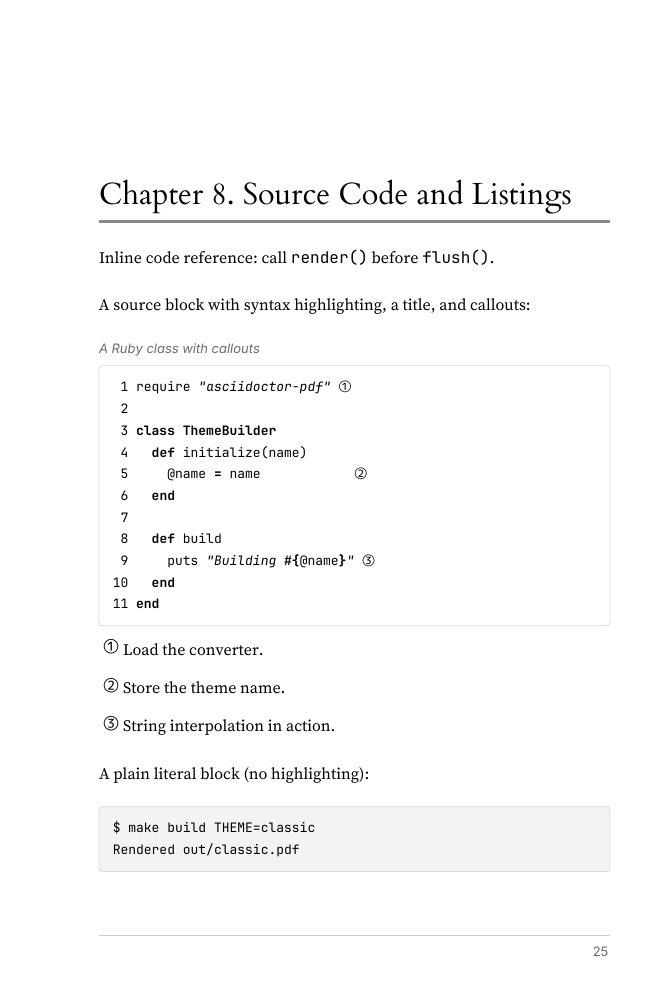
make kdp · print interiorTested on everything
Each theme is checked against a complete test book that exercises every AsciiDoc feature a technical book needs — ensuring nothing breaks in your own books.
How it works
Each theme is a self-contained folder. Copy its example-book.adoc — the
attributes the theme needs are already set — and start writing.
cp example-book.adoc book.adocRender the screen / digital edition with the included Makefile, or call
asciidoctor-pdf directly.
make build BOOK=book.adocBuild the print interior from the same source, ready to upload. Optionally flatten it to a true-grayscale proof.
make kdp BOOK=book.adoc
make kdp-gray BOOK=book.adoc
What's in the bundle
Each theme bundles its own fonts, so there's nothing extra to install beyond Asciidoctor PDF. Change anything you like: themes are plain YAML plus a small Ruby extension for the layouts YAML can't express, like chapter openers and title pages.
asciidoctor-themekit/
├── README.md
├── Makefile           # build every theme at once
├── classic/
├── patty/
├── pragma/
│   ├── pragma-theme.yml       # screen
│   ├── pragma-kdp-theme.yml   # print
│   ├── extensions.rb
│   ├── fonts/  (+ LICENSES/)
│   ├── example-book.adoc
│   ├── cover.svg
│   ├── preview.pdf
│   ├── preview-kdp.pdf
│   ├── Makefile
│   └── README.md
├── rally/
├── steam/
├── empire/
├── dive/
└── tufty/
[[ displayPrices['pri_01m7pzp6t6t4k0tamxd5dns5c2'] ]]
Every theme, with screen and print variants, bundled fonts, starter books and Makefiles.
Get all 8 themesAsciidoctor PDF (gem install asciidoctor-pdf) and Ruby. GNU Make is optional: the bundle README includes the equivalent asciidoctor-pdf commands. Fonts are bundled, so there's nothing else to install.
Yes — one payment gets you the complete bundle: all eight themes with their print variants, fonts, starter books and Makefiles.
Absolutely. Each theme is a documented Asciidoctor PDF YAML theme, plus an extensions.rb for layouts YAML can't express. Change colours, fonts, spacing or page furniture to make it your own.
6×9in (US trade paperback) by default, which suits print-on-demand. The page size is set in each theme's YAML, so you can change it.
Each theme has a print variant designed for KDP and similar services: pure black text on a white page, a double-sided prepress layout with chapters starting on right-hand pages, and grayscale code highlighting.
Every theme except Classic bundles its own fonts, all under open licences (SIL OFL, Apache 2.0 or MIT), with the licence texts included. Classic uses Asciidoctor PDF's built-in fonts.