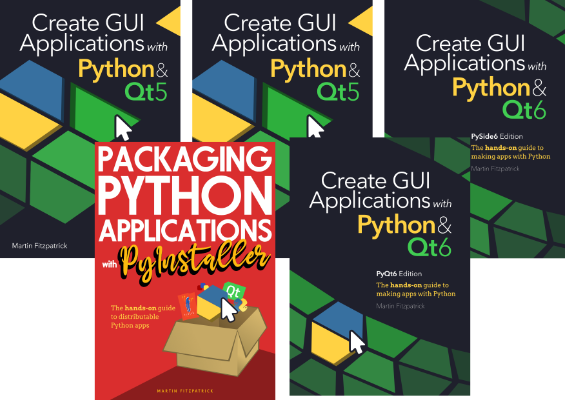
Create GUI Applications with Python & Qt6

Create GUI Applications with Python & Qt6

PyQt6 Edition

Tired of piecing together incomplete and out of date examples? Looking for a book that answers real problems with well designed modern solutions? I've been teaching PySide6 for 8 years. I know the problems you're facing, because I've seen them before.

This book has already helped more than 10K developers make their apps a reality. Let's get your project finished!
[[ displayPrices['pri_01hf77bjcgxgghzq88pwh1nqe2'] ]]

 + [[ basket.length-1 ]] more

Buy now

Downloadable ebook (PDF, ePub) & Complete Source code

Purchasing Power Parity

To support developers in [[ country ]] I give [[ discount.discount_pc ]]% off on all books & courses. Use code [[ discount.coupon_code ]] in the checkout.
Get [[ discount.discount_pc ]]% off for the next [[ discount.duration ]] [[ discount.description ]] with the code [[ discount.coupon_code ]]

You might also like

PyQt6 Crash Course

PyQt6 Crash Course. With this course I'll use my experience to save your time. Step by step tutorials going from the absolute basics & building up to genuine application structures.

[[ displayPrices['pri_01jq7mw5c7swxq7hx7ydghqm4x'] ]] [[ displayPrices['pri_01k9pzchp56jnxs83g9z27rv9g'] ]]
Add Added

Create GUI Applications with Python & Qt6

The hands-on guide to creating GUI applications with PySide6

[[ displayPrices['pri_01hf77d6fwm397veg5k5s46xcf'] ]] [[ displayPrices['pri_01hg84q8c6gwjr8n6nttnnddn5'] ]]
Add Added

  • 750+ page ebook of hands-on PyQt6 exercises
  • 280+ code examples to experiment with
  • Compatible with Python 3.10+
  • Code free to reuse in your own projects
  • Lifetime updates — last updated June 2025

Over 10,000 copies sold

What People Are Saying

About the Author

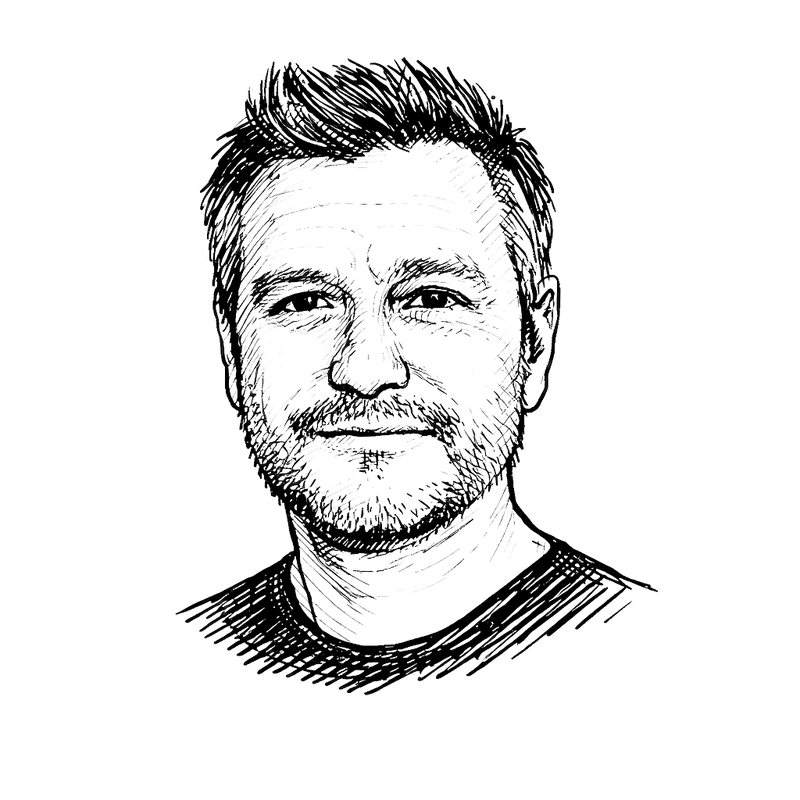
Martin Fitzpatrick is a Python programmer, author and tutor. He's been developing Python/Qt apps for 10 years. Starting out building desktop applications to make data-analysis tools more user-friendly, Python was the obvious choice. Starting with Tk, later moving to wxWidgets and finally adopting PyQt & PySide.

Martin Fitzpatrick

Product Engineer

Martin headshot on black

Table of Contents

  • Basic PyQt6 Features p6-190
    • My first Application
    • Signals & Slots
    • Widgets
    • Layouts
    • Actions, Toolbars & Menus
    • Dialogs
    • Windows
    • Events
  • Qt Designer p191-225
    • Installing Qt Designer
    • Getting started with Qt Designer
  • Theming p216-291
    • Styles
    • Palettes
    • Icons
    • Qt Style Sheets (QSS)
  • Model View Architecture p292-369
    • The Model View Architecture — Model View Controller
    • A simple Model View — a Todo List
    • Tabular data in ModelViews, with numpy & pandas
    • SQL databases with Qt models
  • Custom Widgets p370-450
    • QPainter and Bitmap Graphics
    • Creating Custom Widgets
  • Concurrent Execution p451-564
    • Introducing Threads & Processes
    • QRunnable and the QThreadPool
    • QRunnable Examples, Progress Bars & thread Managers
    • Running external commands with QProcess
  • Plotting p565-604
    • PyQtGraph
    • Matplotlib
  • Further PyQt6 Features p605-656
    • Timers
    • Extending Signals
    • Working with Relative Paths
    • System tray & macOS menus
    • Enums & the Qt Namespace
    • Working with command-line arguments
  • Packaging & Distribution p657-711
    • Packaging with PyInstaller
    • Creating a Windows Installer with Installforge
    • Creating a macOS Disk Image Installer
    • Creating a Linux Package with fpm
  • Example applications p712-759
    • Web Browser
    • Minesweeper
  • Appendices
    • Translating C++ to Python
    • PySide6 vs. PyQt6

Bundles

Create GUI Applications Qt Book Bundle [[ displayPrices['pri_01hf720z664x12fgdd74sjph7z'] ]]

Great GUI Book Bundle [[ displayPrices['pri_01hf72pfd4x7s46jhcjcgh0q73'] ]]

Get access to all current versions of Create GUI Applications & Packaging Python Applications, and every other Python GUI programming book I release, forever.

Frequently Asked Questions

How will I get my purchase?

After completing your purchase you'll receive an email with a link to get your files and course. Keep it secret, keep it safe.

How do I get updates?

You'll receive an email when new content is available, although you can opt out of this if you wish.

What if I don't like it?

If you decide that it is not for you, just reply to the purchase receipt email within 30 days and I'll issue you with a refund. If you could tell me why, that would be great too but it's not necessary.

I have other questions

If you still have questions just drop me an email