Packaging Python Applications with PyInstaller

With translations for Deutsch, Español, Français and Nederlands

Packaging Python Applications with PyInstaller

The hands-on guide to distributable Python apps

There is not much fun in creating your own applications if you can't share them with other people, whether publishing it commercially or sharing it online. Distributing your apps allows other people to benefit from your hard work!

Unfortunately, packaging Python applications can sometimes be hard work.

In this book I walk you step-by-step through the process of packaging your own Python applications. Starting with simple examples and working up to complete installers and signed executables.
[[ displayPrices['pri_01hf77hrbf5v8z5kjtwbhmbwjz'] ]]

Buy now

Purchasing Power Parity

To support developers in [[ country ]] I give [[ discount.discount_pc ]]% off on all books & courses. Use code [[ discount.coupon_code ]] in the checkout.
Get [[ discount.discount_pc ]]% off for the next [[ discount.duration ]] [[ discount.description ]] with the code [[ discount.coupon_code ]]

In the book

Basic concepts and first steps

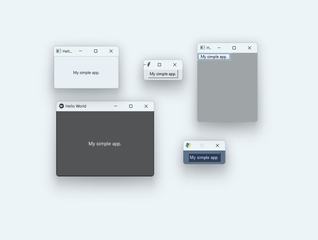
Starting from the very basics of packaging a Python application with examples in PyQt6, Tkinter, wxPython, PySimpleGUI and Kivy. Learn how to customize your application name and add Window icons.

basicapp
datafiles

Learn how to Bundle data files

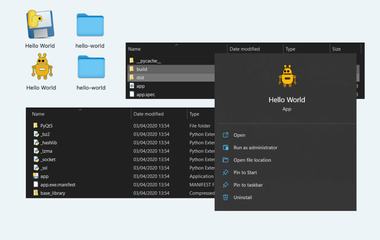
Include data files with your app, from icons to anything else. Learn how to work with relative paths and ensure your apps work on all platforms.

Package 3rd party modules

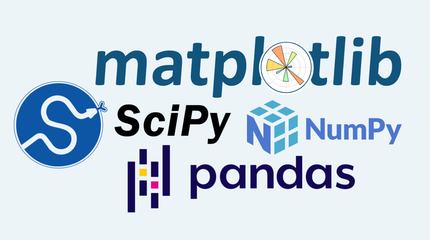
Learn how to customize packaging for your apps requirements. Including popular 3rd party modules.

Learn how to troubleshoot builds with includes and excludes.

3rdparty
installer

Build native installers on Windows, macOS and Linux

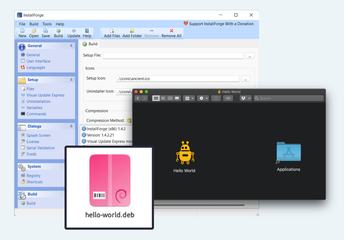
Create platform-native installers on Windows, macOS and Linux, including InstallForge EXE setup, macOS Disk Images and Linux deb packaging.

Includes scriptable examples for Linux and macOS to automate your builds.

Frequently Asked Questions

How will I get my purchase?

After completing your purchase you'll receive an email with a link to get your files and course. Keep it secret, keep it safe.

How do I get updates?

You'll receive an email when new content is available, although you can opt out of this if you wish.

What if I don't like it?

If you decide that it is not for you, just reply to the purchase receipt email within 30 days and I'll issue you with a refund. If you could tell me why, that would be great too but it's not necessary.

I have other questions

If you still have questions just drop me an email